Bell & Howell Slide Cube Preparation

If your slides are in Bell & Howell cubes, you’re close—just check orientation and stack order. Rotate any “portrait” shots to landscape and put slide #1 on top of each stack.
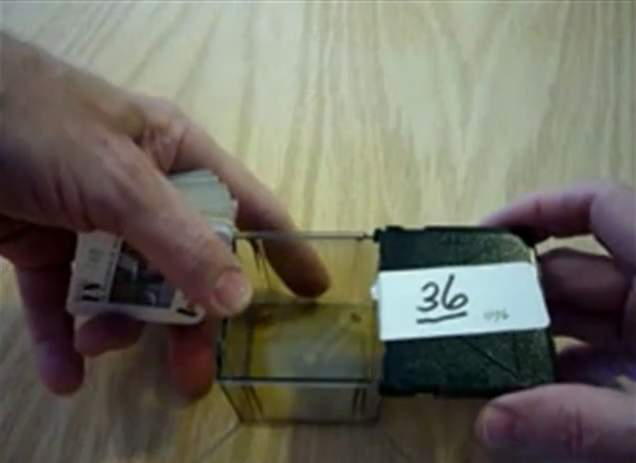
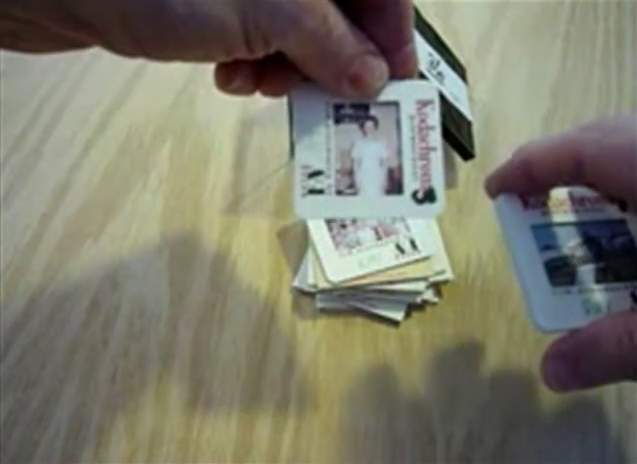
Bell & Howell slide cubes arranged before orientation check
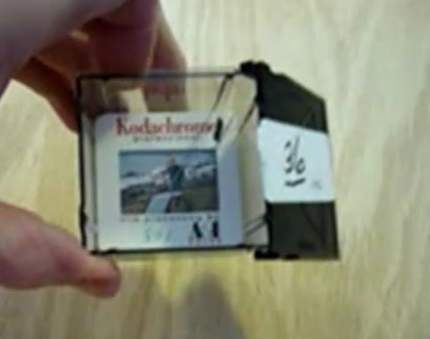
Proper landscape-oriented slide placement in a Bell & Howell cube
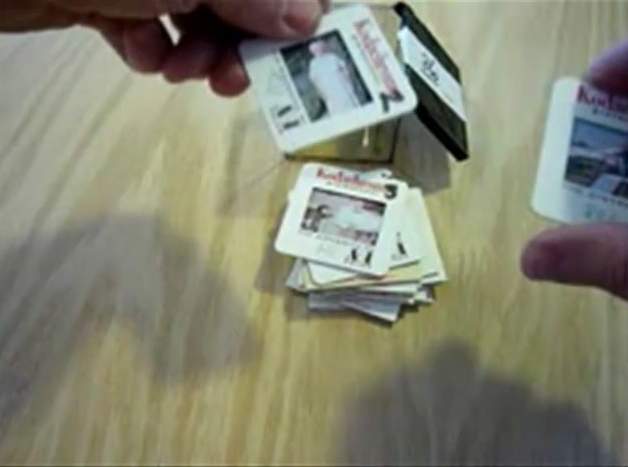
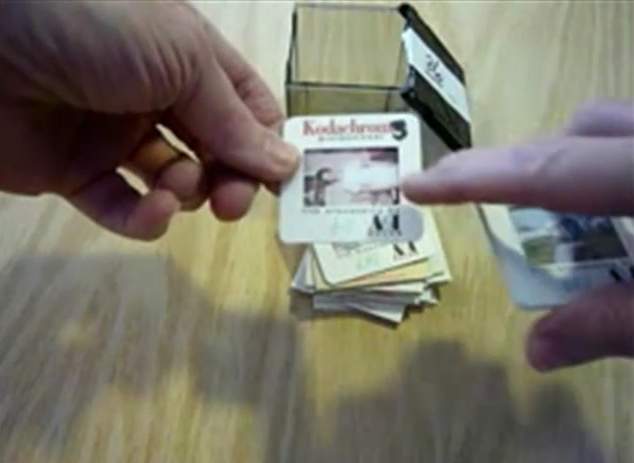
Example of a portrait slide that must be rotated to landscape before scanning
Rotate portrait slides to landscape before scanning.
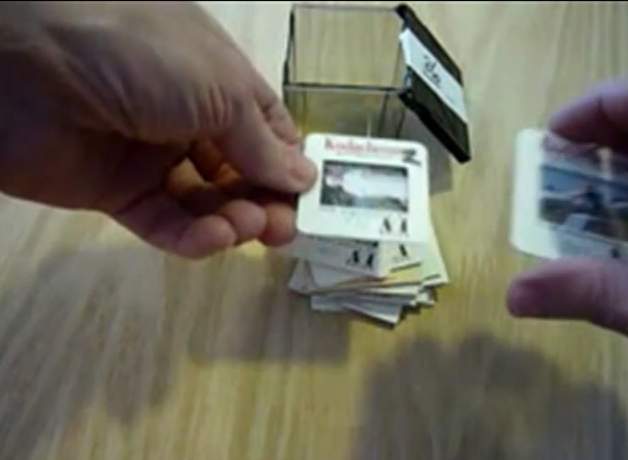
Arranging slides in sequence within the Bell & Howell cube for scanning
Final visual check of slide orientation and order in the cube
Numbering the stack so slide number one is on top for each set
Each stack starts at #1 with the first slide on top.

Want Premium Service at Affordable Pricing?

Affordable pricing but Premium Services!

Premium Service at Affordable Prices!

Our Result — Premium Editing Included

Our premium scan result: clean detail, accurate color, and balanced contrast.
Premium Editing Included
Old-Photo — a division of Affordable Scanning Services LLC

Typical Big-Box Result — You Decide

Typical low-quality competitor scan: muddy color, low contrast, visible defects.
Typical Big-Box Result
(Yes. This is what we got from them in a test project.)

Our Pricing — Affordable Scanning

Affordable Scanning Services pricing for 250 slides
Our Pricing: Affordable Scanning — 250 slides

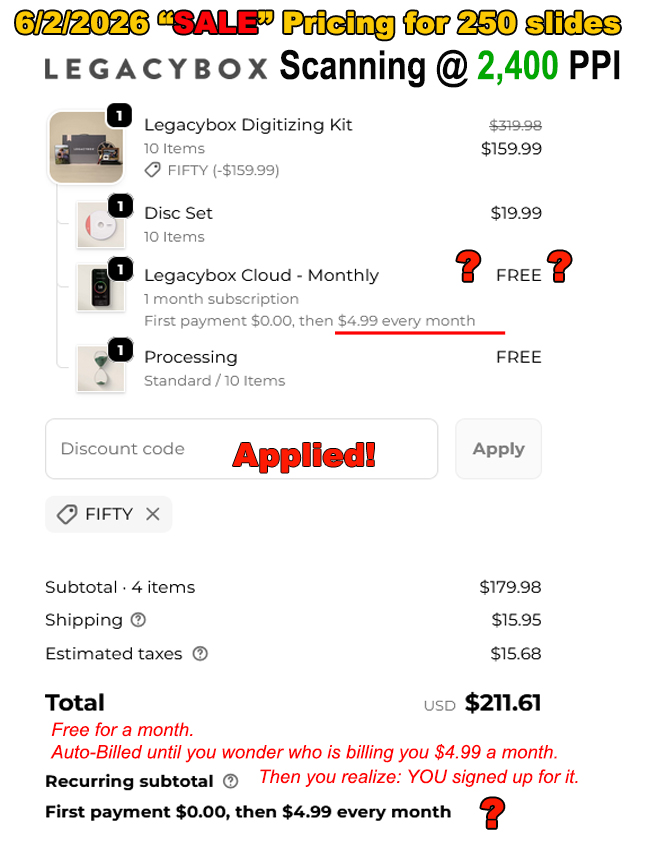
Legacy Box Pricing — You Decide

Legacy Box pricing comparison for 250 slides
Legacy Box Pricing: Same 250 slides — you decide