Inexpensive Slide Scanners: Are They Worth Trying?
Considering a budget slide scanner you can buy at a big-box store or online? Here’s what to expect from most low-cost “converter” units—and how professional scans compare.
What most inexpensive units actually do
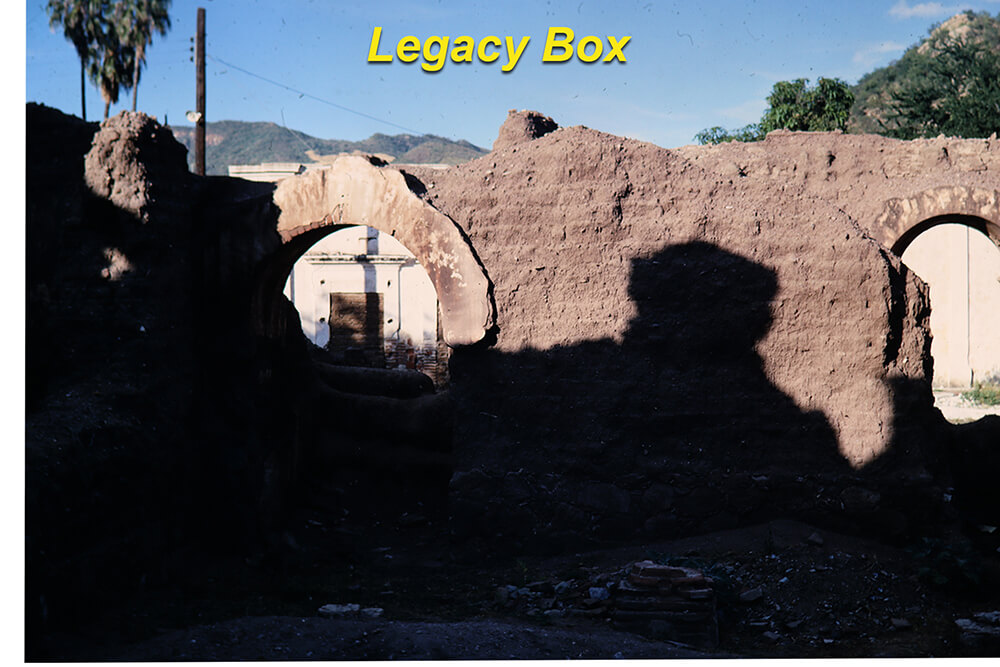
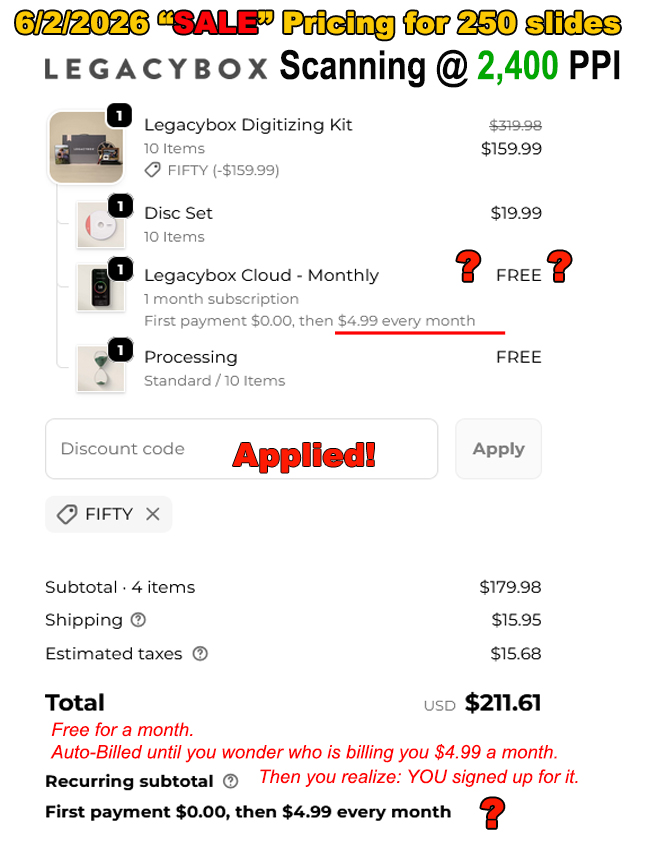
Many low-cost devices marketed as “slide scanners” are essentially small cameras that photograph your slide through a light box. They can be quick and simple, but they typically produce limited dynamic range, visible noise, clipped highlights/shadows, and softer detail—especially when you zoom or make prints.
Real-world expectations & common patterns
- Resolution claims vs. usable detail: Stated megapixels often don’t translate to true slide detail.
- Color & contrast: Auto exposure can shift skin tones and crush shadows.
- Dust & scratches: Minimal hardware dust mitigation means more manual cleanup later.
- Return cycles: Shoppers frequently test these units, then return them when results don’t meet expectations.
Why professional scanning looks different
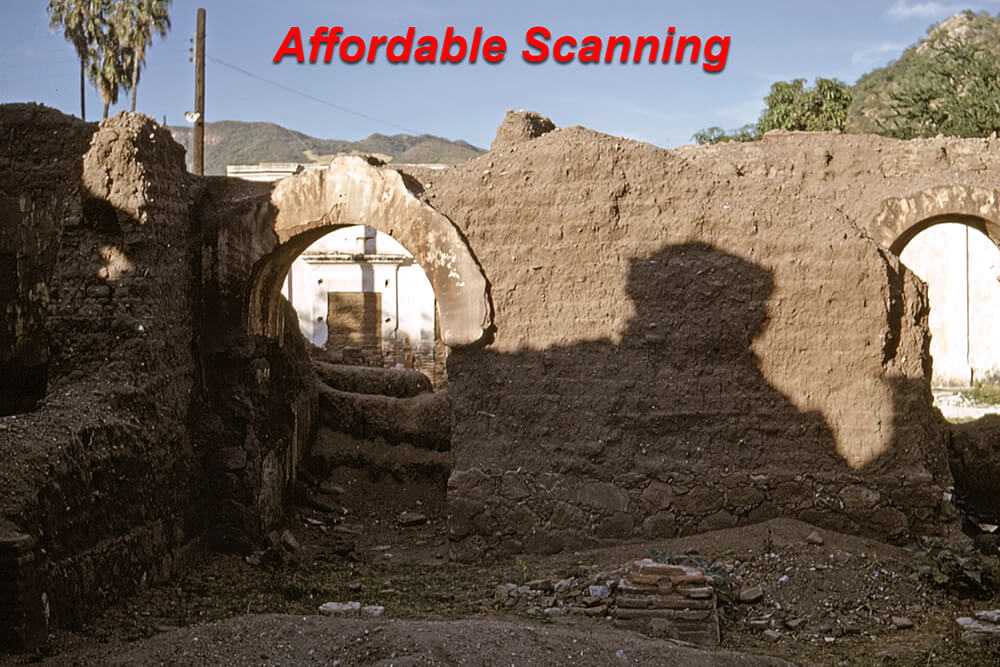
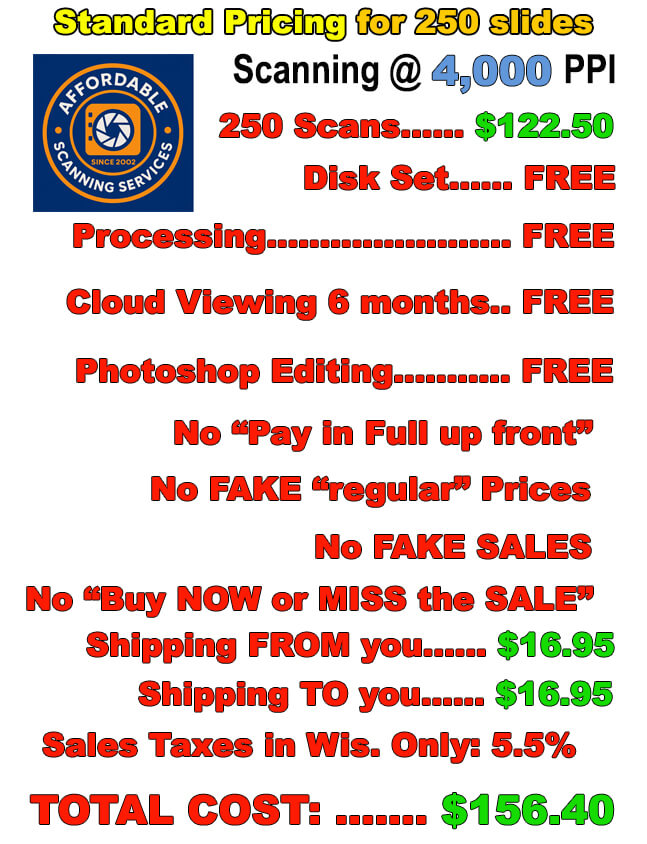
We use dedicated film scanners and controlled workflows (4000 ppi, careful color management, and hands-on Photoshop on every image) to pull the full tonal range and detail your slides can deliver. That produces cleaner enlargements and better files for archiving, sharing, and printing.
Best way to decide: compare side-by-side
Try our Ten Free Demo Scans. Scan the very same slides on your budget device and compare. You’ll see the difference before you invest time or money.
Bottom line
Low-cost units can be fine for quick previews or social-media-sized images. If you want keepsake quality that’s ready for large screens and prints, professional scanning is the safer route.