DPI vs PPI: Dots vs Pixels Explained
People often say “DPI” when they mean “PPI.” Printers lay down dots per inch (DPI); digital images are made of pixels per inch (PPI). Below is a quick, plain-English guide so you know which number matters and when.
What is DPI?
DPI (dots per inch) is a printing term: how many ink or toner dots a printer can place in one inch. More dots can produce smoother tonal transitions on paper.
What is PPI?
PPI (pixels per inch) is a digital imaging term: how many pixels are sampled per inch when scanning, or displayed per inch on a screen. Your image files contain pixels—not printer dots.
Why the Terms Get Mixed Up
Over time, non-printing discussions adopted “DPI” to mean image resolution. While common, it’s imprecise. For digital scanning and editing, PPI is the correct measure; for output on paper, DPI is the printer’s capability.
Our Scan Resolution
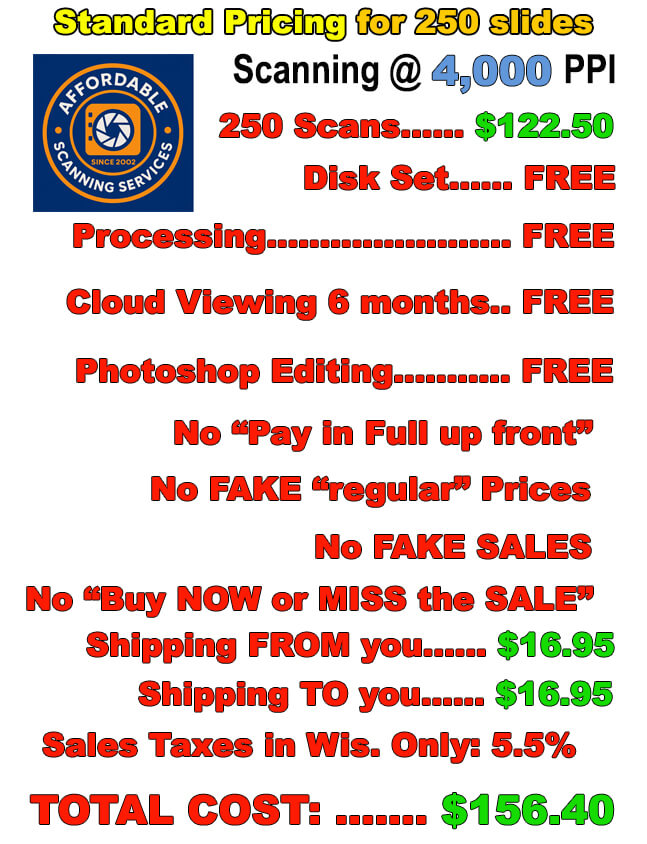
We scan slides and photos at 4000 ppi (often called “4000 dpi” in everyday speech). Either way, you get a high-detail file with ample pixels for printing, archiving, and cropping.
How to Choose the Right Resolution
- Screen viewing: PPI matters for how large an image appears on screen, but modern devices scale well—focus on total pixel dimensions.
- Printing: Aim for enough pixels to reach your print size at ~240–300 ppi at print dimensions. Our 4000 ppi scans comfortably cover common print sizes with quality to spare.
- Archiving: More pixels mean more future flexibility for cropping and large prints.
Ready to digitize your slides and photos?
Questions first? See our FAQ or Email Us.