My Slides Look Good But My Scans Are Out Of Focus
Slides can look sharp when projected, yet appear soft when scanned. Here’s why: scanners focus on a thin film plane; any curl, bow, or warped mount forces parts of the image outside that plane—no matter how careful we are.
Projector vs. Scanner: Why They Don’t Match
Viewing on a wall or screen is forgiving. A scanner is not—it’s like examining the film under a microscope. If the original photo wasn’t perfectly focused, or if the film isn’t perfectly flat, the scan will reveal it.
Built-In Film Curl and Mounting Issues
Slides start life on a roll. After processing, each frame is mounted into cardboard or plastic. If the film isn’t mounted perfectly flat—or later bows from age, heat, or glue shift—parts of the image will sit above or below the scanner’s single focus plane.


What We Can—and Can’t—Fix
We always aim for the best possible result with the film you send. Our scanners can adjust where that single focus point sits, but they can’t make a bowed film plane perfectly sharp edge-to-edge. At normal prices, re-scans for subjective focus choices aren’t available.
If you need a perfectly flat capture of a warped slide, the only reliable method is drum scanning after removing the film from its mount—often $25–$50 per slide—assuming the original photo itself is truly sharp.
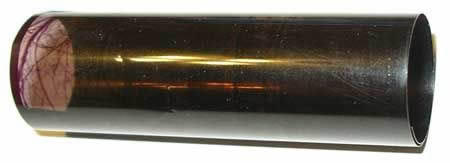
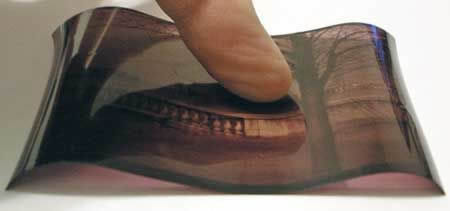
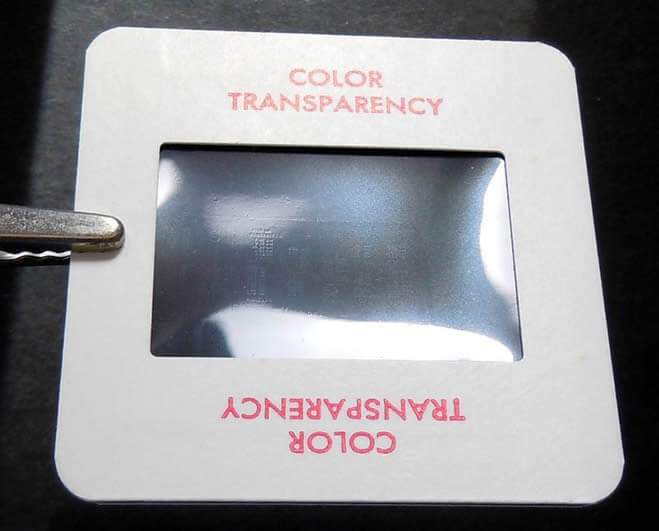
Because a scanner focuses in one plane, curved film forces some areas out of that plane, so parts of the image look soft.
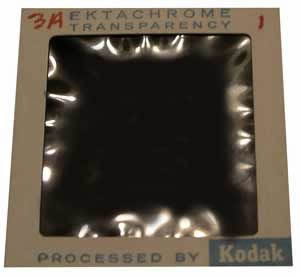
Highly warped film can’t scan sharp across the whole frame; consider selective focus priorities or premium drum scanning.

Only one focus point is possible. We use best judgment to place focus where it helps the subject most.
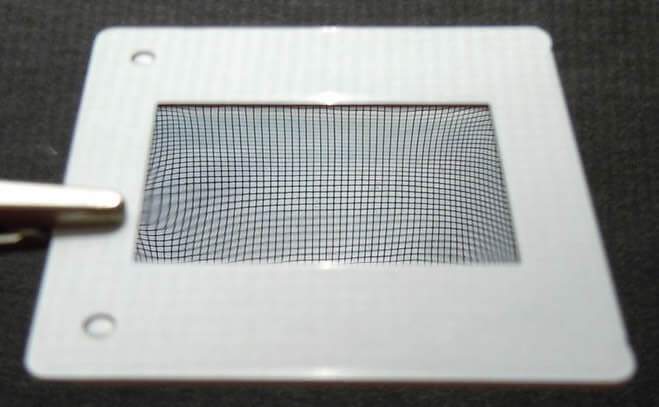
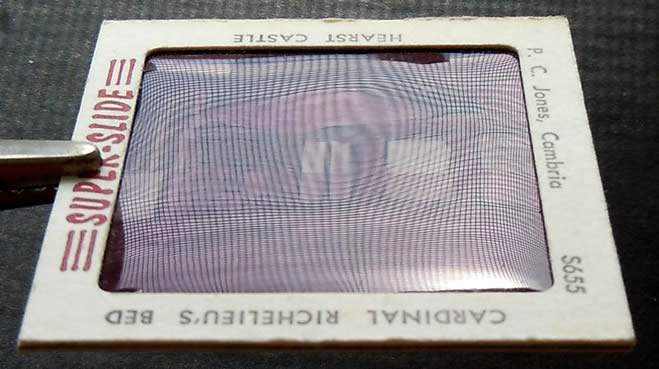
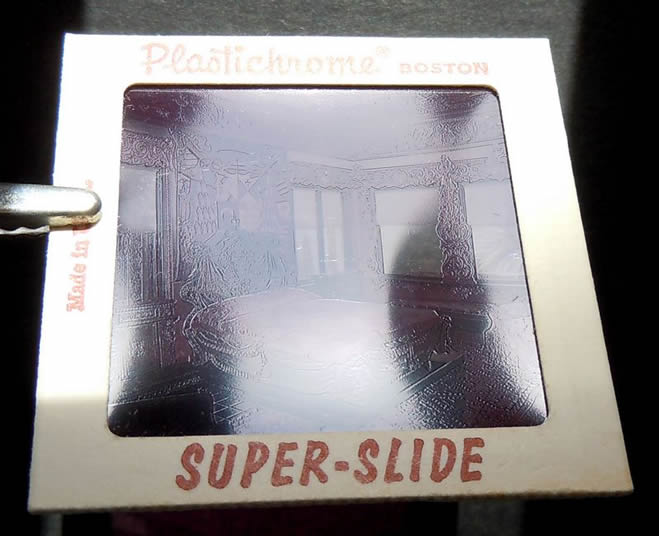
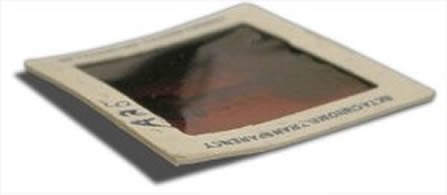
Heat from projectors over time can cause mounts to bend or “pop.” If a slide pops during scanning, sharpness may vary moment to moment.

Next Steps
- Send us a few samples first to see real results with your film condition.
- If a slide is severely warped, consider selective focus priorities—or premium drum scanning if you need uniform sharpness edge-to-edge.
- Have questions about focus trade-offs? We’re happy to advise before you ship.