Order Form Walkthrough
Follow this quick walkthrough to start your project, enter your slide count, choose optional services, and submit your order form. You’ll receive a copy by email after submitting.
Click here to go to the order forms page.

Begin by selecting Order Forms from the main menu.
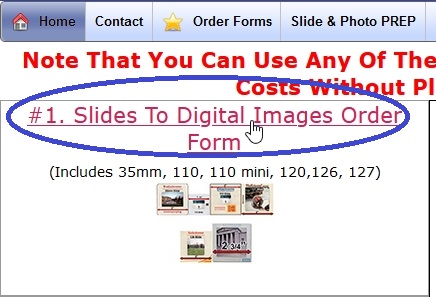
We offer multiple forms for different slide/photo projects—pick the one that best fits your needs.
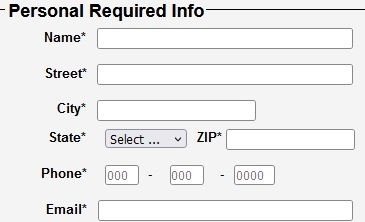
We use your info only to communicate about your project—no spam, ever.
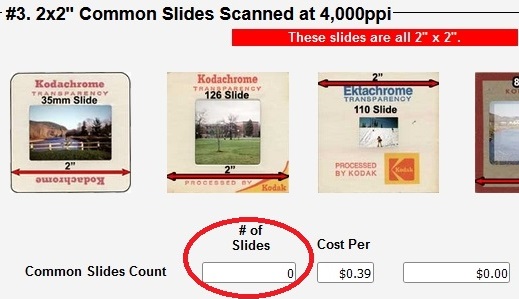
If you’re estimating, just send the deposit—we’ll do the final counting for accuracy.
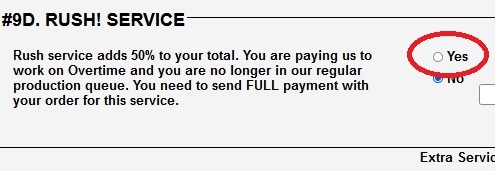
Choose Yes if you need to jump ahead in our production queue.

Skip options you don’t need. At the bottom, click the green button to move to the final step.
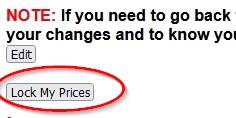
On the summary page, submit your order by selecting Lock My Prices.
After You Submit
You will receive a copy of your order, and we will receive one as well. Print your copy and include it with your shipment. If you can’t print, include a note with your instructions and mention that you submitted the online order form.