Bell & Howell Slide Cube Preparation

If your slides are in Bell & Howell cubes, you’re close—just check orientation and stack order. Rotate any “portrait” shots to landscape and put slide #1 on top of each stack.
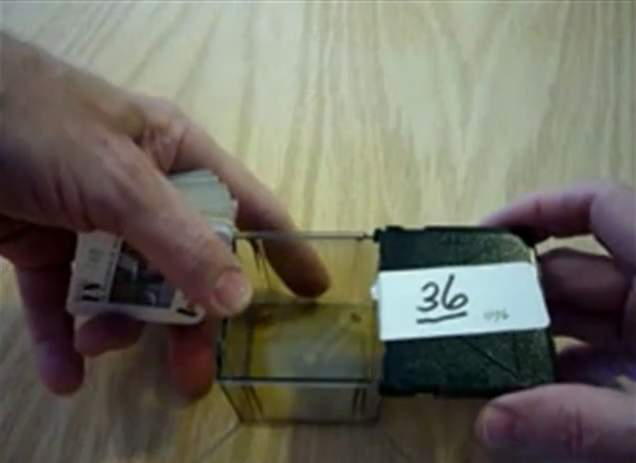
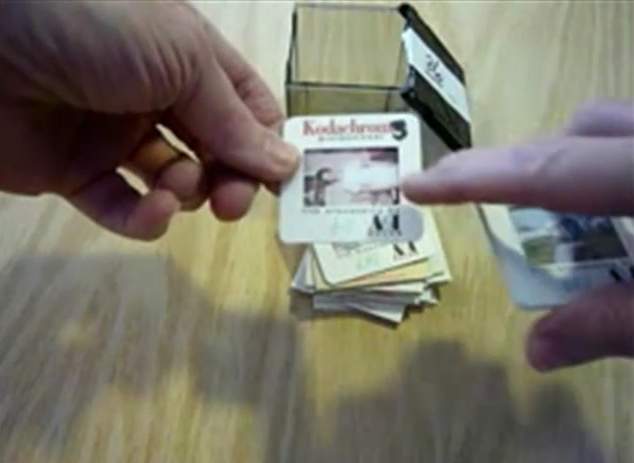
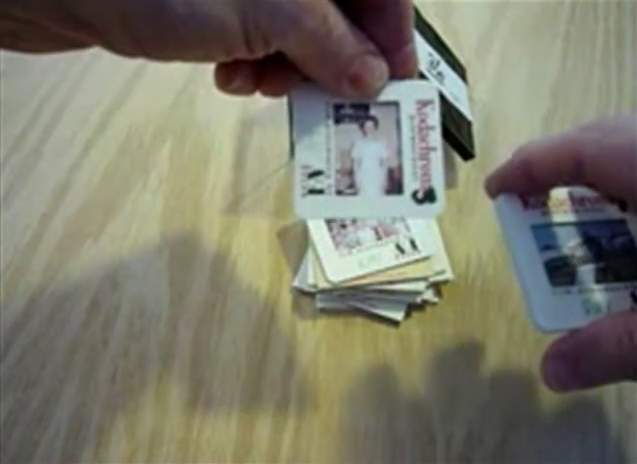
Bell & Howell slide cubes arranged before orientation check
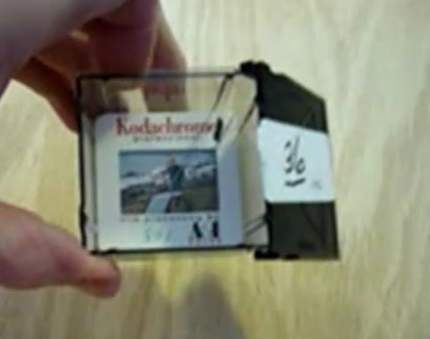
Proper landscape-oriented slide placement in a Bell & Howell cube
Example of a portrait slide that must be rotated to landscape before scanning
Rotate portrait slides to landscape before scanning.
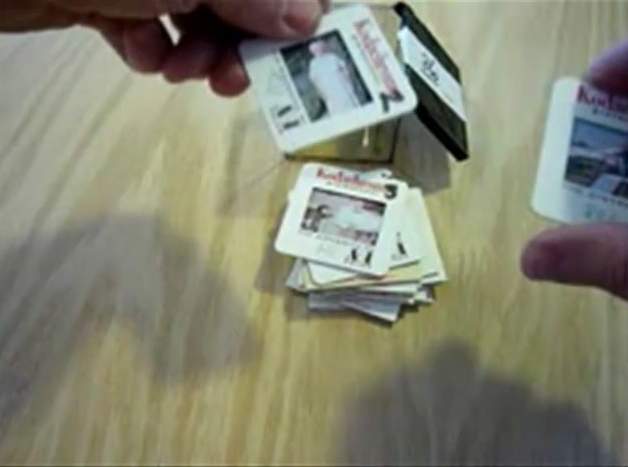
Arranging slides in sequence within the Bell & Howell cube for scanning
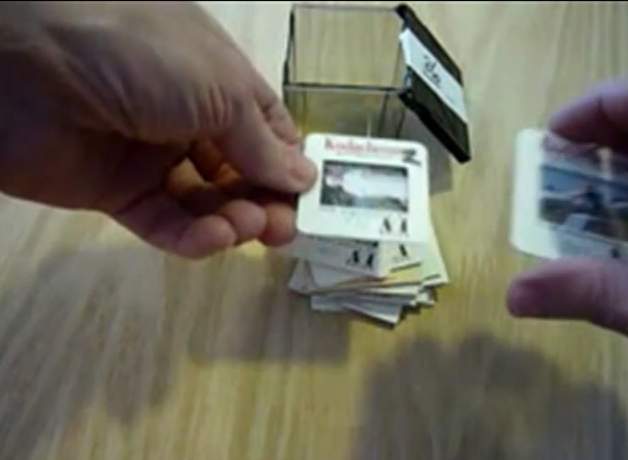
Final visual check of slide orientation and order in the cube
Numbering the stack so slide number one is on top for each set
Each stack starts at #1 with the first slide on top.

Want Premium Service at Affordable Pricing?

Affordable pricing but Premium Services!

Premium Service at Affordable Prices!

Price Comparison: You Don’t Always Get What You Think You Are Paying For

250 slides — updated monthly

Standard pricing — 250 slides

"Old-Photo" a division of:
Affordable Scanning Services LLC

Transparent, flat-rate pricing. No subscriptions, no surprises.

Shipping to us$16.95
Shipping back to you$16.95
250 slide scans @ $0.49 each$122.50
Photoshop editing — every imageIncluded
DVD data disk with imagesIncluded
Online viewing — 6 monthsIncluded
Scanning resolution4,000 ppi
Your total $156.40
●  No hidden fees
●  No subscription
●  No fake sales
●  2–3 week turnaround

First come, first served. Turnaround is 2–3 weeks for 250 slides depending on order queue.

Legacy Box pricing comparison showing hidden fees and auto-billing subscription