Getting Your Paper Photos In Order For Scanning
Quick prep makes a big difference. Clean dust and dried glue, group photos into numbered stacks, and remove album pages so we can capture the sharpest, spot-free scans.
Paper Photo Organizing
Please clean your paper photos! We can’t emphasize this enough—gently wipe both front and back with a very soft cloth before stacking. We do not clean paper photos before scanning, and even light dust can reflect the scanner light and create “white spots.”
Sometimes dust comes from glue used to fasten photos into albums. In these cases, brush dried glue from the backs, too. At our low prices, we cannot be responsible for dust on scans.
Stacking Your Paper Photos
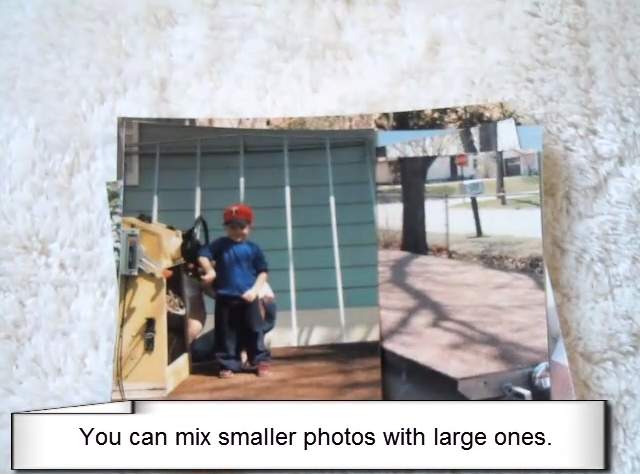
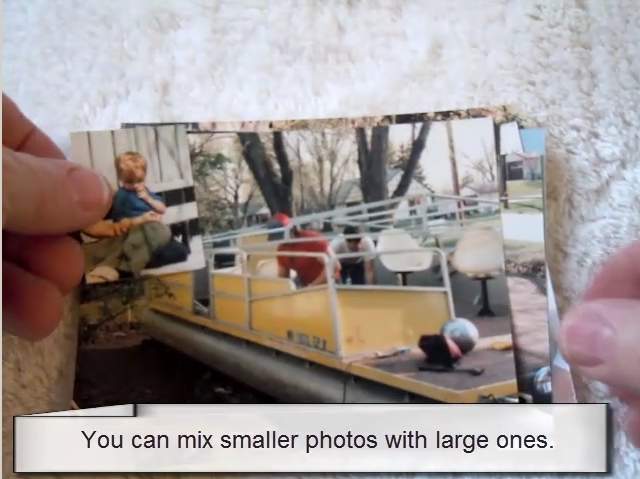
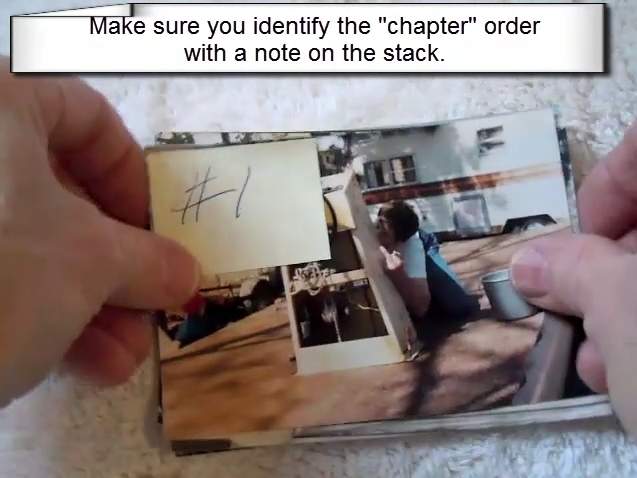
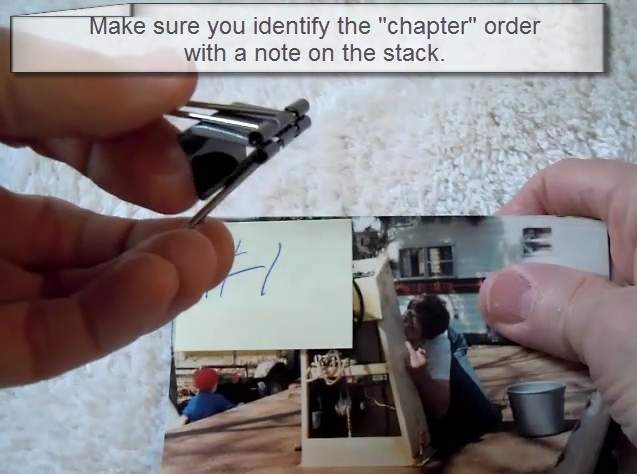
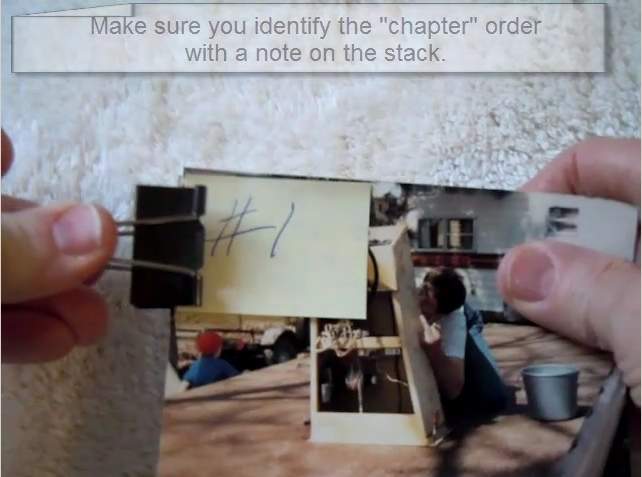
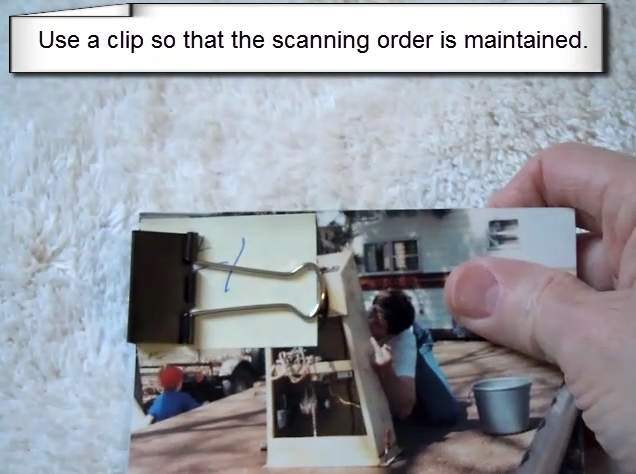
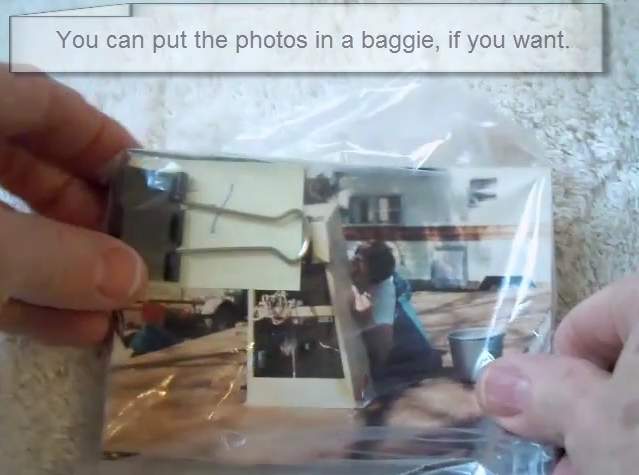
- Number stacks (don’t name them with text). Keep it simple for fast, accurate file grouping.
- Be reasonable with the number of stacks: each stack adds file-management time. Excessive small stacks (especially < 50 photos) may incur a surcharge.
- You can always reorganize files after delivery.
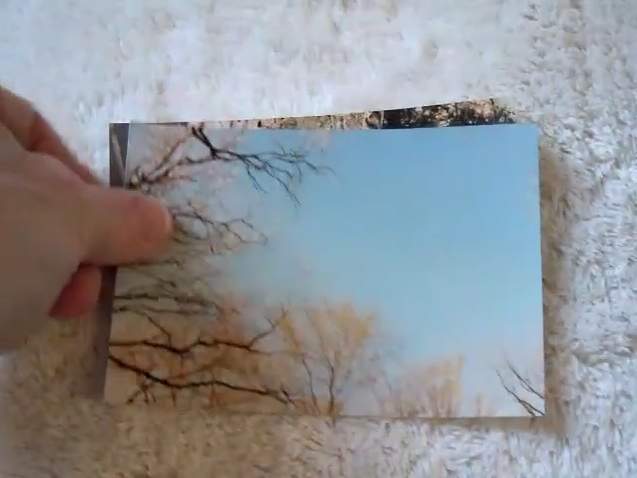
- If photos are in albums, remove them and dust any dried glue off front and back.
Ready to Digitize Your Paper Photos?
Follow the steps above and we’ll take care of the rest—every scan includes careful handling and quality checks.