Stacking Your Slides From The Bottom Up

We want to show you how to get your slides stacked, organized and oriented correctly for scanning. This is a confusing subject for many people so we hope that this helps.

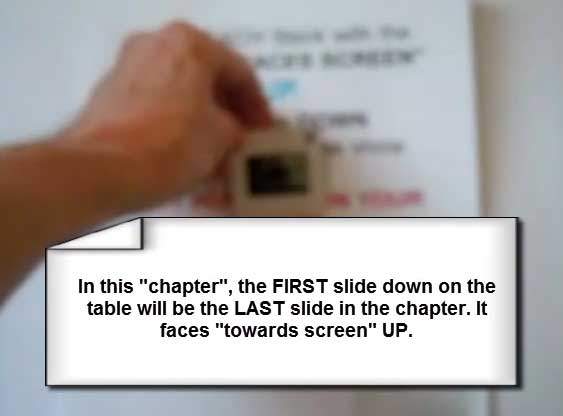
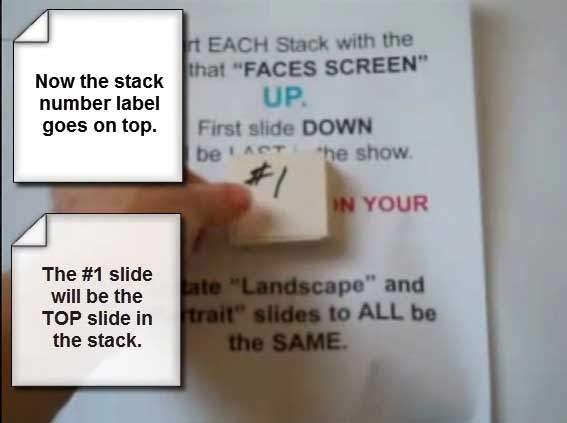
Our examples on this page cover building your stack from the bottom up. You start with the very last slide in each “show” or “chapter” and build your stack upward. The top slide will be the first slide in the show or chapter.

NOTE: “Chapter” means that different stacks of slides will be put into separate folders once they are converted to images.

Determine Front and Back of Slides

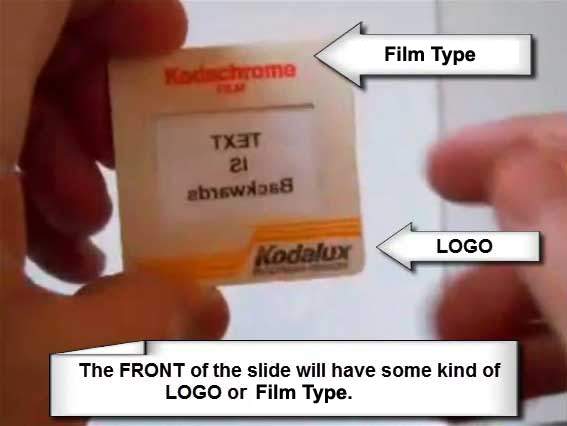
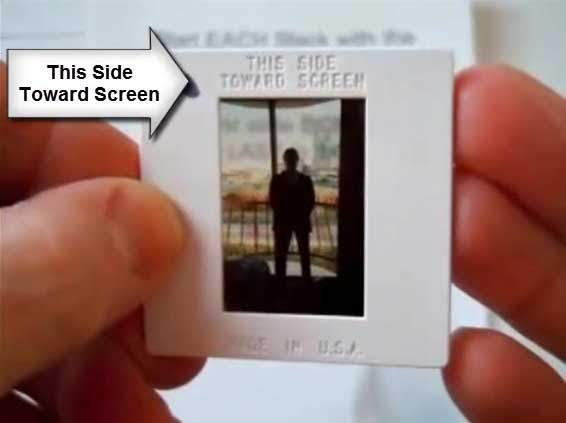
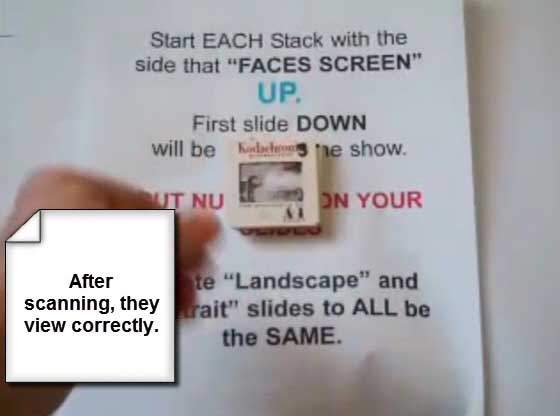
For consistency, the side of the slide with the logo is the “front.” If you hold a slide up to the light and see a sign in the picture, the text will read backwards from the back side. Don’t worry—your final scans will read correctly when viewed or printed. We just need everyone to reference slides the same way while organizing.

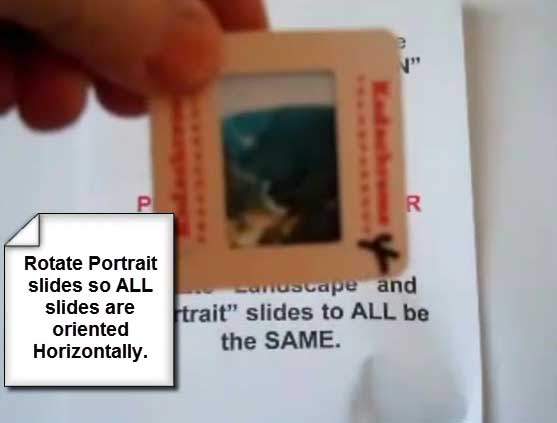
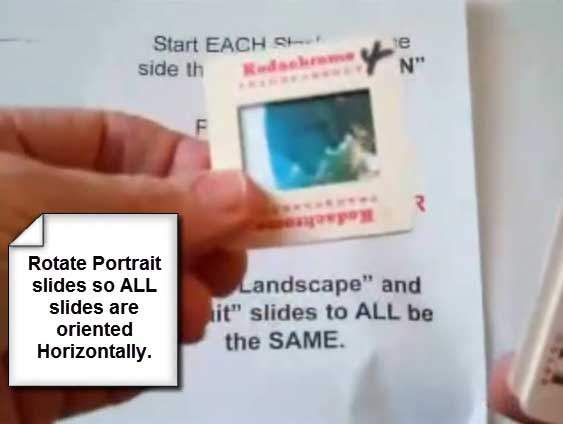
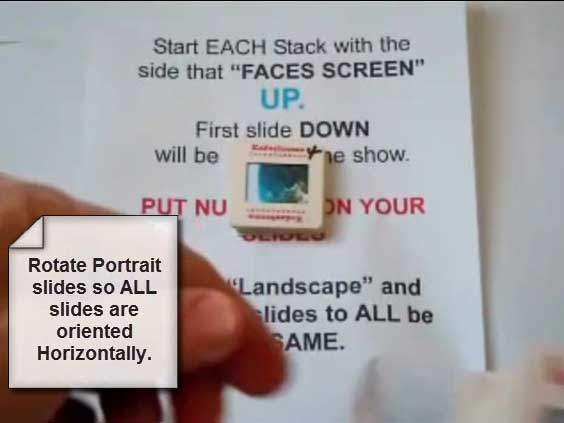
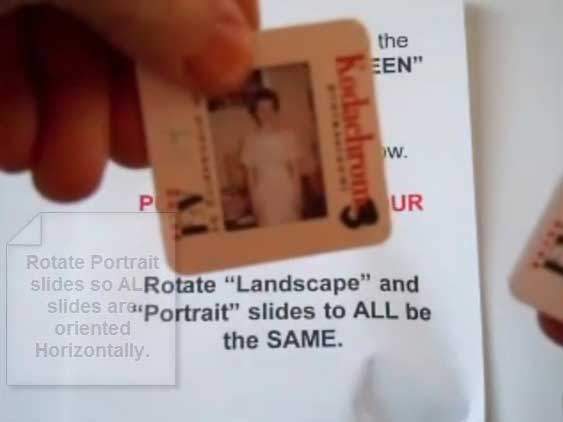
Rotate Portrait Slides Before Stacking

When the camera was turned on its side, the slide is “portrait.” Rotate portrait slides to landscape inside your stacks so they scan consistently. We rotate final images as needed so they view correctly.

Numbering & Simple Storage

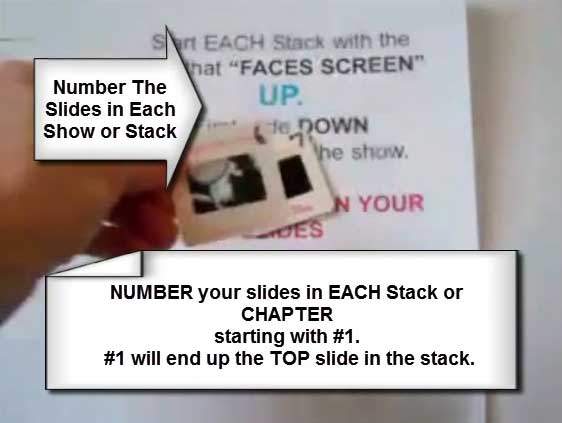
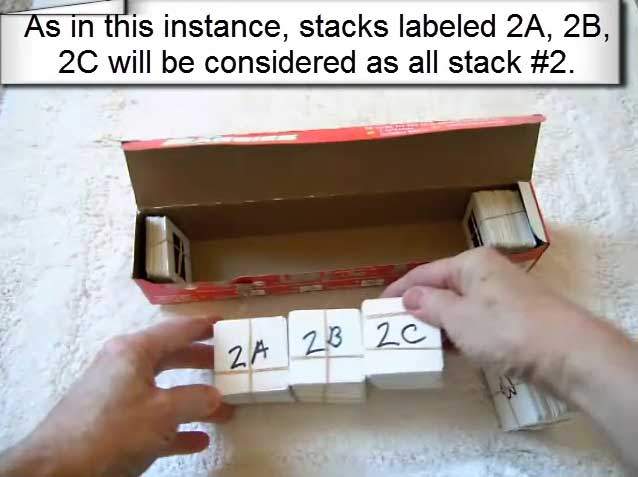
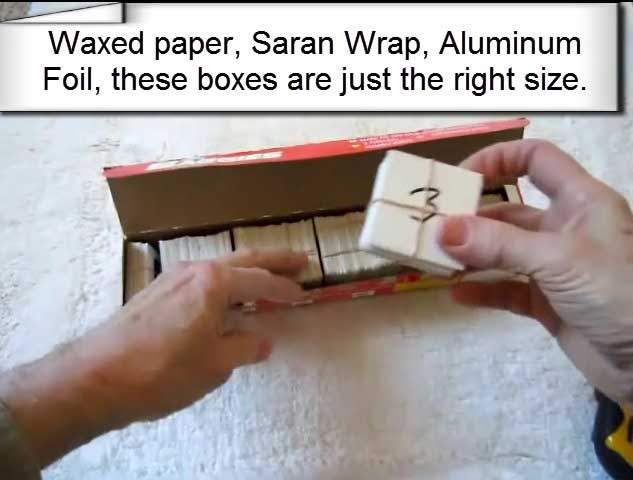
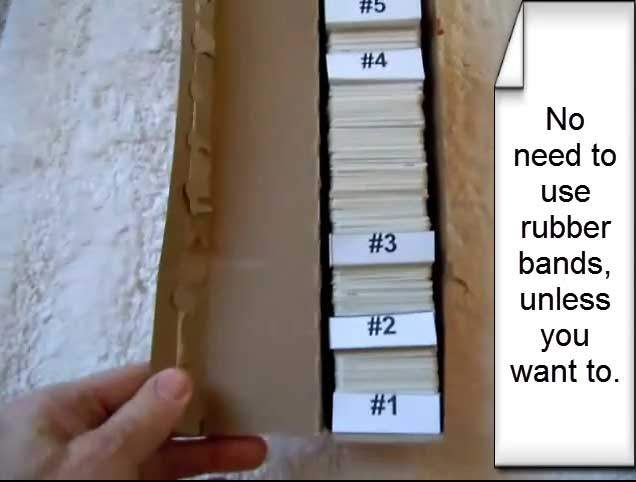
Waxed paper, aluminum foil, or plastic baggie boxes are the ideal size for keeping stacked slides organized. Use a clearly marked divider between chapters—no rubber bands needed. Number each slide within a chapter starting at #1 (e.g., Chapter 1: #1–#45; Chapter 2: #1–#32, etc.).


Start Your Order

Bottom-up slide stacking: placing the first slide face up on the table
Start stack from the bottom up
Second step in bottom-up slide stacking with frames aligned
Build upward, frames aligned
Carefully aligning slide edges while stacking
Keep edges square
Continuing to add slides, building the stack upward
Add slides steadily
Slide stack showing correct order near completion
Order builds from bottom
Front and back sides of a slide demonstrated
Front vs. back reference
THIS SIDE TOWARDS SCREEN label shown on the front of slide
“This side towards screen” = front
Holding slide to light to see text backwards from the back side
Back side shows backwards text
Correct slide reading when oriented from the front
Front reads correctly
Portrait slide rotated to landscape before scanning
Rotate portrait to landscape
Aligning multiple slides consistently in the stack
Consistent alignment
Stack height growing while keeping edges square
Square edges = easy scanning
Careful handling of vintage slides
Handle gently
Checking slide orientation during stacking
Double-check orientation
Top slide represents the first image in the show
Top slide = first in show
Completed slide stack ready for scanning
Ready for scanning
Neatly grouped slides in order
Neat, ordered groups
Using household boxes to store slide chapters without rubber bands
Simple storage boxes
Box divider labeled to separate chapters
Use labeled dividers
Slides numbered within the chapter starting at one
Number each chapter from #1
Another example of boxed slide chapter
Chapter boxes keep order
Close-up of numbering on slide mounts
Clear, visible numbering
Writing numbers on slide frames for order control
Number slides on the frame
Larger chapter stored neatly in a box
Larger chapters fit too
Packed slide chapters ready to ship
Packed and protected
Example of compact storage for multiple chapters
Compact storage solution
Slides stacked neatly for scanning workflow
Neat stacks speed scanning
Final check of order before digitizing
Final order check

Ready to Digitize Your Slides?

Follow the steps above and we’ll take care of the rest—every scan includes careful handling and quality checks.


Fill Out the Order Form