Web-Sized Images & Email-Sized Images
You’ll want high-resolution scans for printing, but lighter “web-sized” versions load fast for email, slideshows, and websites. Below are clear before/after examples.
Photos posted online or sent via email don’t need as many pixels as prints. Smaller web-sized files open faster and are easier to view on any device—especially for friends using slower connections.
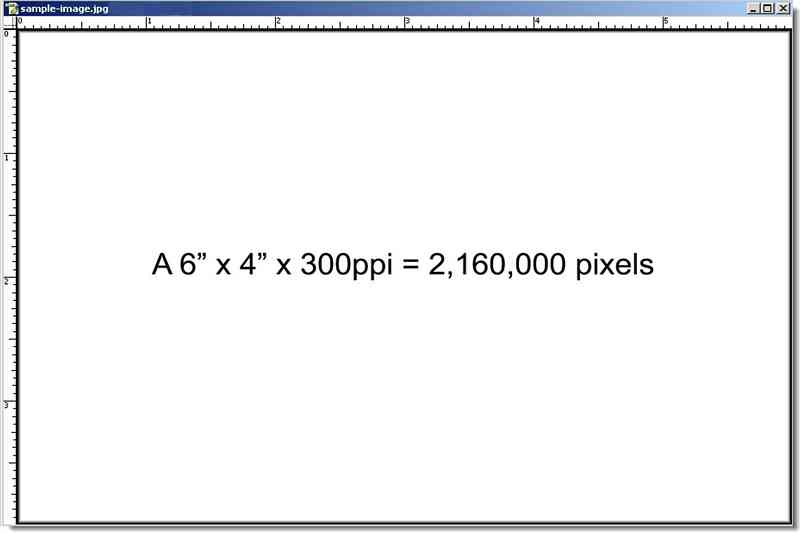
How web-sizing improves on-screen viewing
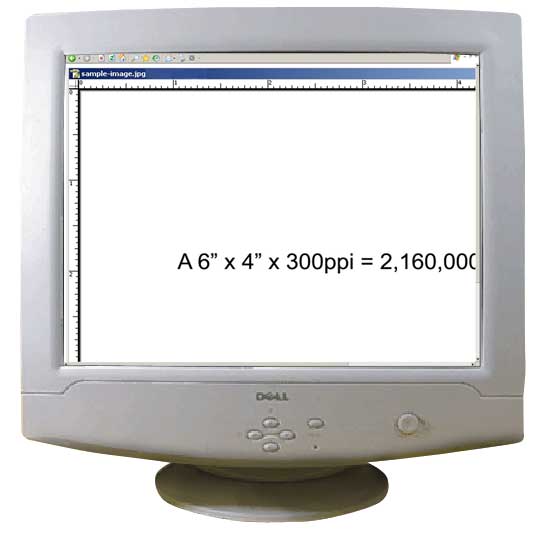
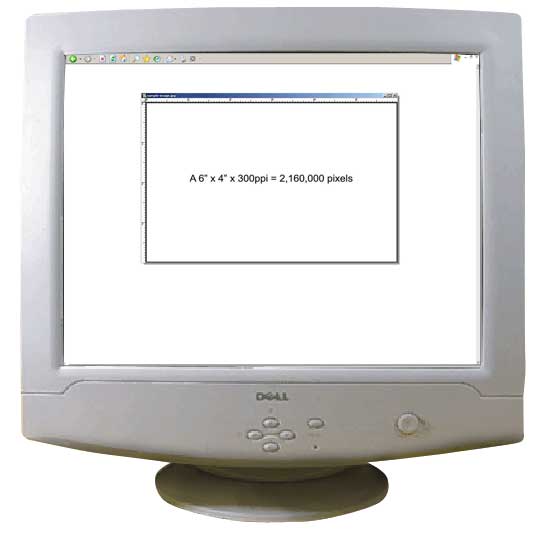
Large, print-ready images often exceed the display area of a typical monitor. A scaled version fits the screen without scrolling and keeps email/file sizes reasonable.
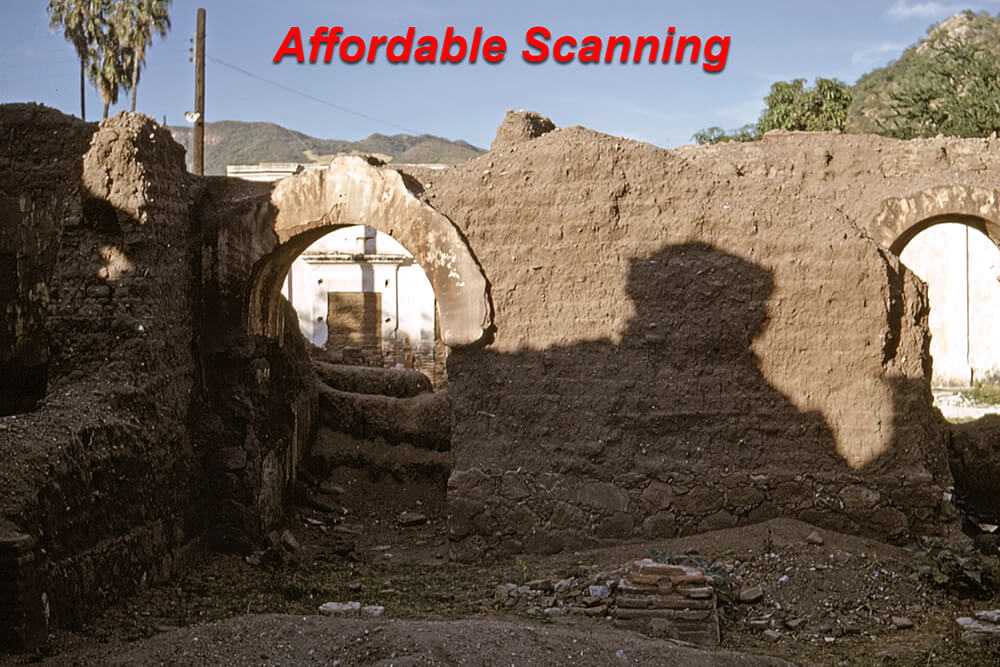
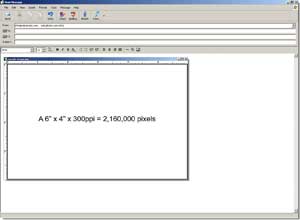
Before Web Sizing (on monitor)
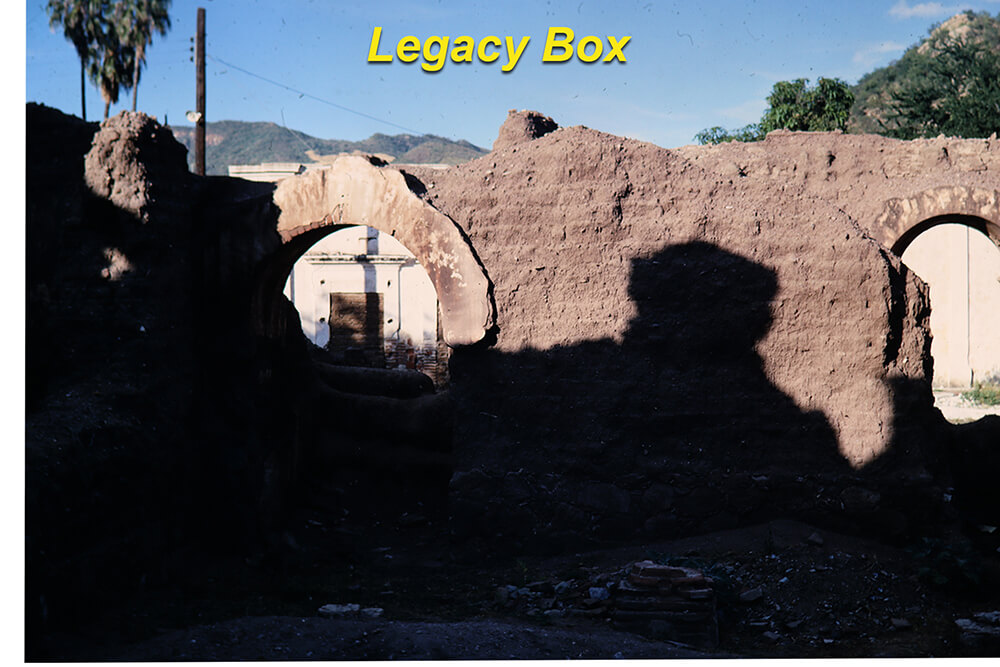
After Web Sizing (on monitor)
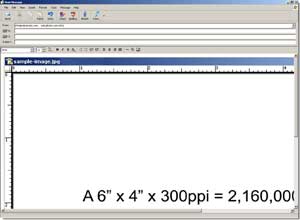
Before Web / Email Sizing
After Web / Email Sizing
When to use each file type
- High-resolution scans: best for printing, archiving, and future editing.
- Web-sized copies: best for email, on-screen viewing, websites, and slideshows.
We always preserve your high-resolution masters. If you’d like a set of web-sized copies for easy sharing, just note it on your order.