Faded 35mm Slides & Photos: Causes and Restoration
Always remember: with slides there’s no negative to “reprint” from. As dyes break down, images keep fading. We digitize and include careful color restoration to help recover what time has taken.
Dark Fading vs. Light Fading
Your slides and photos can fade for different reasons. Dark fading happens even in storage from temperature and humidity reactions in the dyes. Light fading is caused by strong projection light over time—cumulative projector hours matter more than a single long showing.
Kodachrome
Some films (like Kodachrome) are more stable in dark storage but can discolor with extended projection. Glass mounts don’t necessarily protect the image and may accelerate fading.
Slide Deterioration
Improper storage and handling lead to scratches, fungus, and color shifts (often toward red or blue). Touching film encourages fungus growth, and using harsh cleaners can make deterioration worse. Early E-process films usually fade faster than later improvements.
As a rule of thumb, slides can begin to show fading after about two hours of total projection under an average bulb. Stronger bulbs speed up the effect—use the lowest strength that does the job.
Photo Paper Pictures
Prints also deteriorate—heat, humidity, album/cardboard chemicals, and fumes can yellow paper and shift colors. Digitizing sooner preserves today’s quality; even small originals will display large on a TV or computer once scanned.
Standard Color Restoration — No Extra Charge
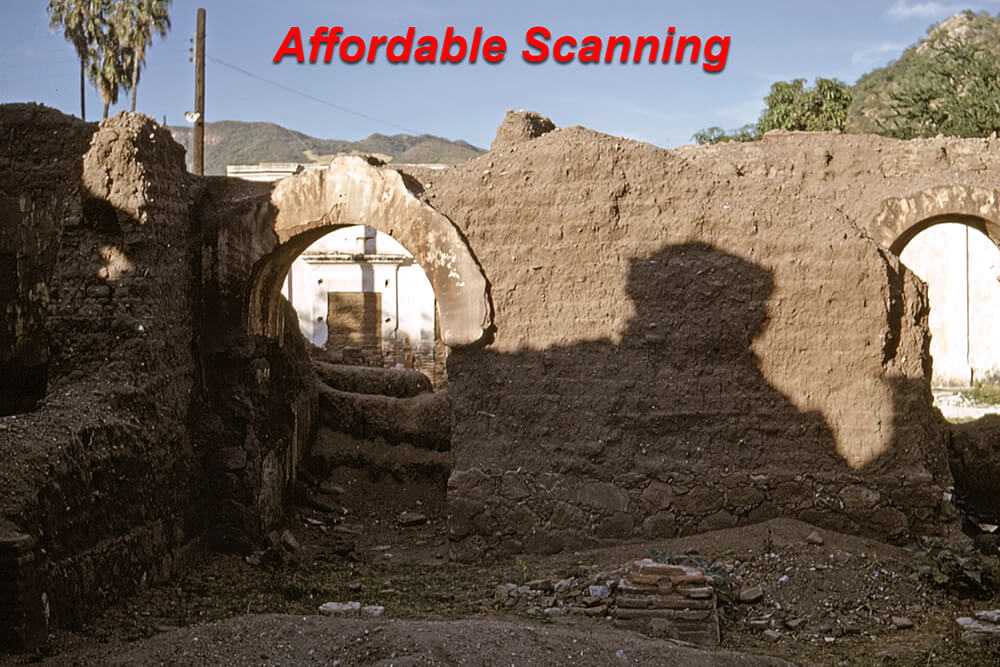
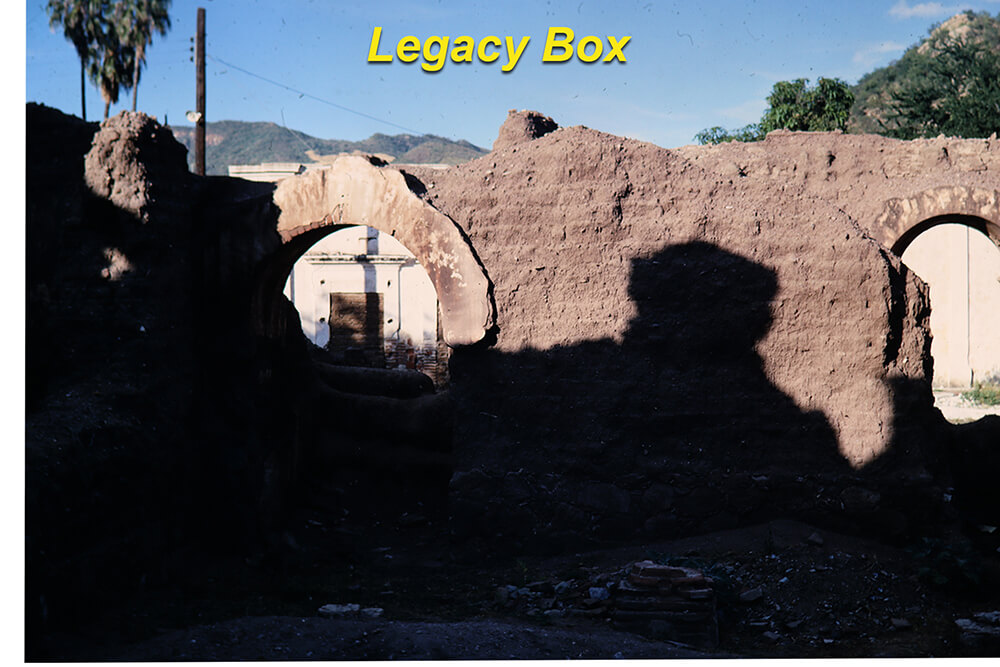
Color restoration and adjustment is included in our scanning service. Every image is individually reviewed—results vary by source, but we work to produce the most pleasing color possible. See examples below.
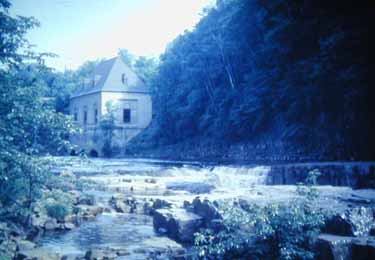
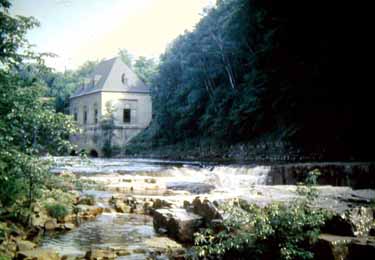
Click either image to view a larger example.
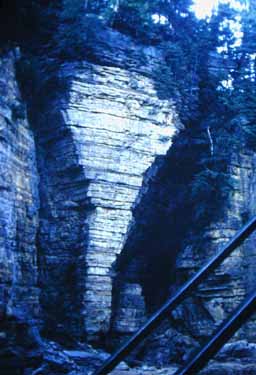
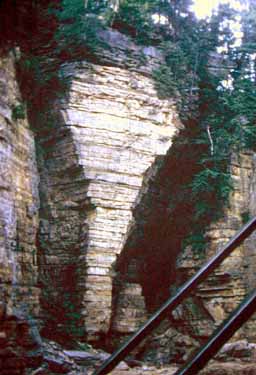
Click either image to view a larger example.


Click either image to view a larger example.
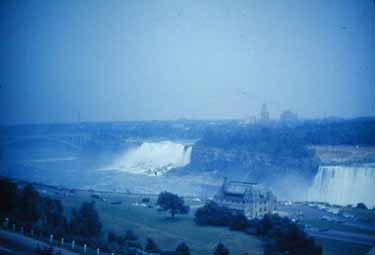
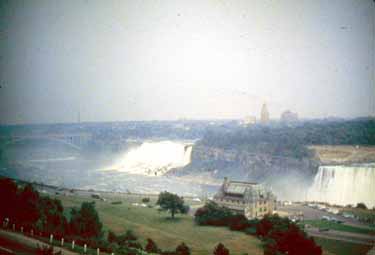
Click either image to view a larger example.
Why Scanning Now Matters More Than You Think
Got slides like the “Before” examples? If you plan to scan at home, how will you handle color restoration? Our prices are reasonable, and expert restoration is included — so you can leave the tricky color work to us.
Color film uses three dye layers — yellow, cyan, and magenta. The yellow layer is usually least stable in the dark, which is why many old films look pink or red. Once dyes fade, only careful digital restoration can help. Cold, stable storage slows further loss, but only digitizing secures what remains permanently.
What We Actually Do in Color Restoration
Every scan gets individual attention from our editors — not batch processing. Here is what that means in practice:
- Color cast removal. We identify the correct color balance for each specific image, not just apply a generic auto-correction. A slide with a heavy magenta cast gets a different correction than one shifted toward blue or yellow.
- Exposure adjustment. Faded slides are often underexposed in appearance even when the scanner captures them correctly. We adjust brightness and contrast to bring the image back to a natural tonality.
- Shadow and highlight recovery. Detail that appears lost in the shadows or blown out in bright areas is often recoverable. We use layer-based techniques to lift shadow detail without overexposing the highlights.
- Saturation restoration. Faded dyes produce washed-out color. We selectively restore saturation to bring vibrancy back to colors that have lost their punch over decades.
The results vary by the original condition of the slide. A slide that has faded significantly will not look identical to a freshly processed one — we are honest about that. But in most cases we can produce an image that is dramatically more pleasing than the raw scan, and sometimes the improvement is striking.


Ready to protect your images and bring back their color?
No credit card — no commitment — nothing is ordered until your slides arrive.