Faded Slide Restoration Examples, Page 3

Previous  |  Next  |  Back to Faded Photos Page

Tap or click an image, then pinch-zoom on mobile / Ctrl/Cmd + on desktop to inspect details.

Original faded color slide before restoration with noticeable discoloration and highlight loss
Before Photo Restoration
Restored color slide after professional correction with balanced tones and improved contrast
After Photo Restoration

The CMYK system (subtractive color) uses Cyan, Magenta, Yellow, and Black. Mixing the three primaries trends toward a muddy brown; printers add black to deepen tones. Subtractive mixes get darker because each ink absorbs components of light.

Print presses commonly run four plates for CMYK. Some jobs add spot colors for hues that are hard to build with CMYK alone.

Many computer printers use CMYK with separate ink tanks and heads.

Our Result — Premium Editing Included

Our premium scan result: clean detail, accurate color, and balanced contrast.
Premium Editing Included
Old-Photo — a division of Affordable Scanning Services LLC

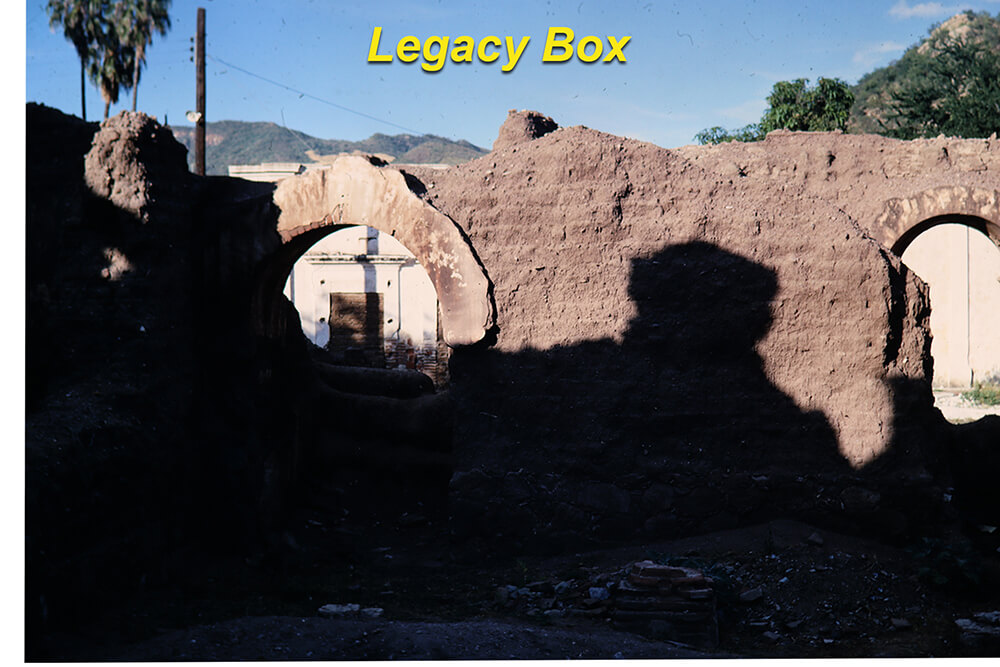
Typical Big-Box Result — You Decide

Typical low-quality competitor scan: muddy color, low contrast, visible defects.
Typical Big-Box Result
(Yes. This is what we got from them in a test project.)

Our Pricing — Affordable Scanning

Affordable Scanning Services pricing for 250 slides
Our Pricing: Affordable Scanning — 250 slides

Legacy Box Pricing — You Decide

Legacy Box pricing comparison for 250 slides
Legacy Box Pricing: Same 250 slides — you decide